

Dala allows you to work in your preferred language, making it easier to understand the interface and build comfortably.
To change the language, go to the top right corner of the screen and click the language toggle button.

From there, select your preferred language from the available options.
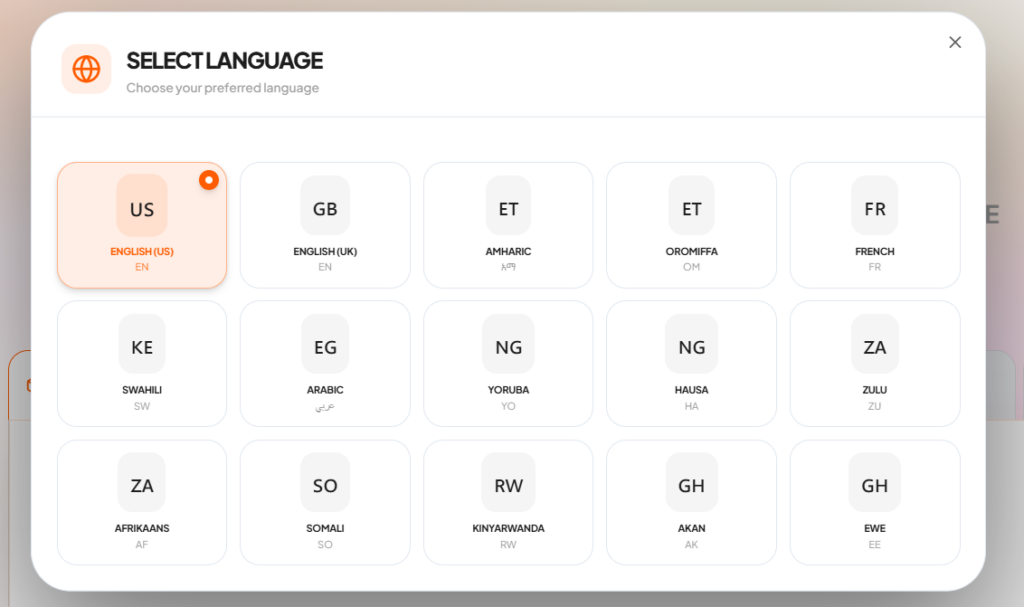
Once selected, the interface will update instantly, allowing you to navigate and build in a language that feels natural to you.
This works alongside Dala’s ability to understand prompts in multiple African languages, so you can both use the platform and write prompts in the language you prefer.
Switching languages helps you stay comfortable, build faster, and fully express your ideas without limitations.